
Syncing your application to production in CI workflow
Syncing your application will be no longer possible by settingGAP_PROD_DEPLOYenvironment variable totruedue to security concerns.
We use ArgoCD github action integration to sync our application to production. You can find more details about how to set up github actions for argo CD in the official documentation.
This enables us to have more control over who can sync to production by using github’s repo information,branch protection rules and required reviews.
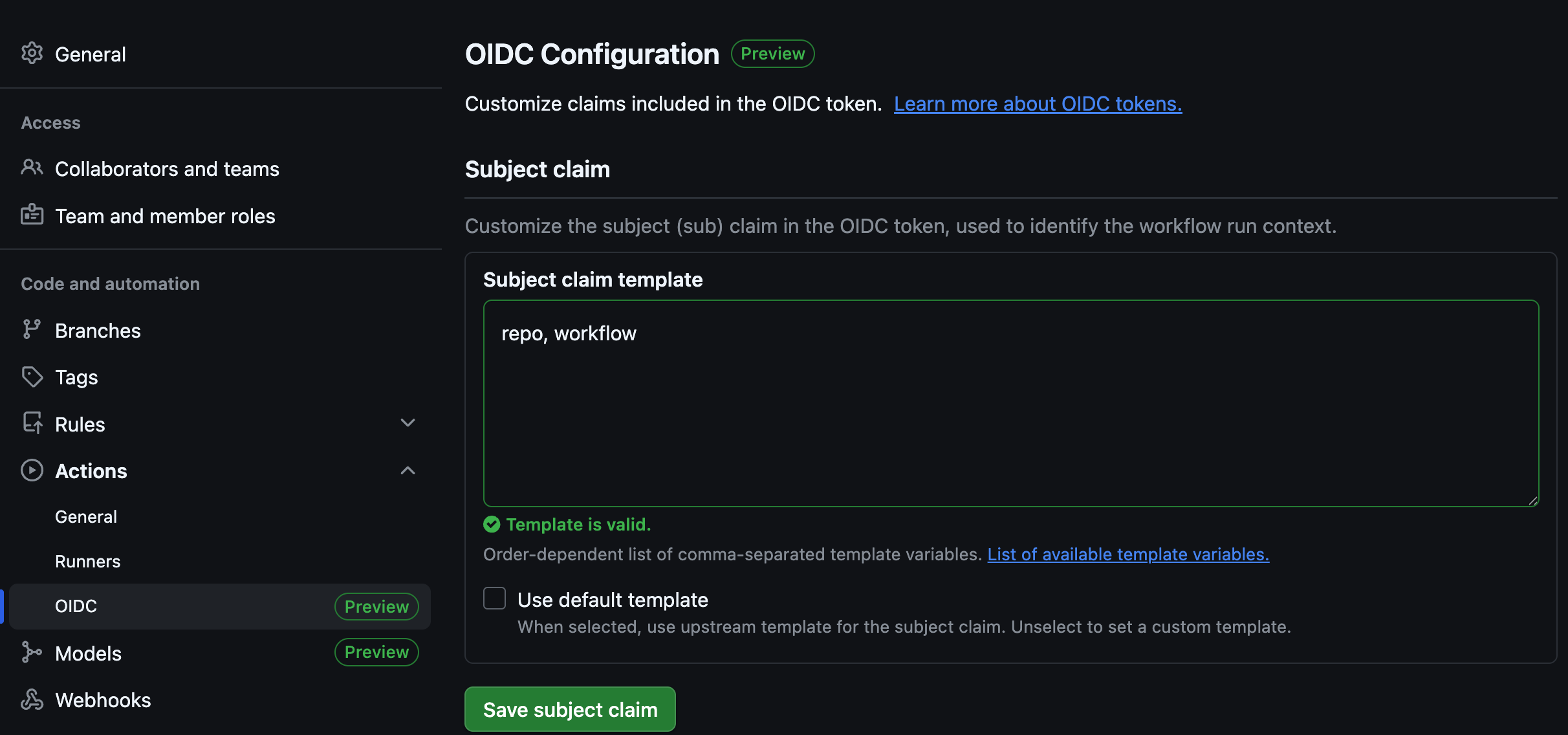
Set up your Subject claim template for your repository as repo, workflow.
  argocd-sync-to-production:
    runs-on: ubuntu-latest
    permissions:
      contents: "read"
      id-token: "write"
    needs:
      - update-image-tag
    steps:
      - uses: emartech/gap-tools/argocd-sync@master
        with:
          argocd_app_name: <argocd name of your application>
The argocd_app_name should be the full name of your application, eg.: gap-docs-cloud-platform-gap-s-us1-01
Dear GAP team,

Please set permission to sync using ArgoCD with the following settings:
- Repository: <repository of your application>
- Workflow name: <name of the workflow that will be used to sync to production>
- Namespace: <namespace of your application>
- Application name: <name of your application>

Thanks,
{TeamLead}